
KEEP THE CONVERSATION TOGETHER
Who a customer sees a message from
Every message to a customer leaves through an agent's mailbox — including the ones nobody pressed send on.
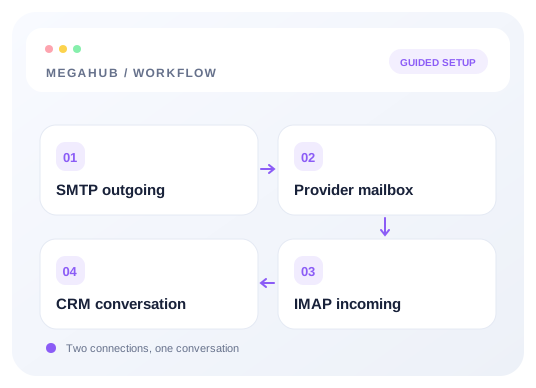
A customer is talking to a person, and their reply has to reach that person. So MegaHub works out who a message is from rather than stamping the brokerage's address on everything.
How it decides
- 1You pressed send, so it is from you — even on a record assigned to somebody else, because you are the one who can answer the reply today.
- 2Nobody pressed send, but the message belongs to a lead or an order: it is from the agent that record is assigned to. A quote resolves through its lead; an invoice through the agent it was raised for.
- 3Neither applies, or that agent has no mailbox yet: it comes from the brokerage's own account.
The second rule is the one that matters most. Follow-ups, drip steps and status updates are the bulk of what a customer receives, and they used to come from a different address than the conversation the customer was already having.
Sending as the brokerage
The From selector still offers the company, the dispatch desk and your team. Picking one changes the name the customer sees and where replies go — the message still leaves through your mailbox, so it is properly signed and a copy still lands in your Sent folder.
Read next
Check your progress
Start with these steps
Use this checklist while following the guide. Your selections are for this reading session and do not change CRM settings.
0 of 3 complete
Continue exploring email and messaging
Connect your inbox with SMTP and IMAP
Choose a provider preset, enter your credentials once, and test outgoing and incoming mail separately.
9 min read →
Making sure your email actually arrives
SPF, DKIM and DMARC in plain terms, and what to do when quotes land in spam.
6 min read →
Your mailbox, inside MegaHub
Customer mail arrives here, replies come back to you, and every message you send is filed in Sent.
6 min read →
Writing a message, and attaching files
Formatting, attachments, and picking a recipient out of the customer book.
5 min read →