
BUILD YOUR WORKSPACE
Less searching. More moving forward.
Your field guide to MegaHub. Connect your systems, get the first lead through the door, and move every job forward with confidence.
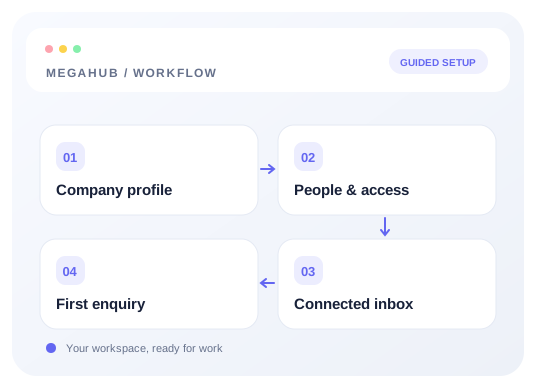
Start here
- Guide 1
Connect a provider and land your first lead
Create a lead source, share its posting credentials, test the payload, and confirm the lead reaches an agent.
Read guide - Guide 2
Connect your inbox with SMTP and IMAP
Choose a provider preset, enter your credentials once, and test outgoing and incoming mail separately.
Read guide - Guide 3
Your first week on MegaHub
The order to do things in, so nothing is blocked on something you have not set up yet.
Read guide
All topics
One place for each part of your brokerage. Choose a topic to explore its workflow, detailed guides, and setup checklist.
Getting started
Set up the company, people, inboxes, and rules your brokerage needs before the first customer conversation.
3 detailed guides · Checklist · Troubleshooting
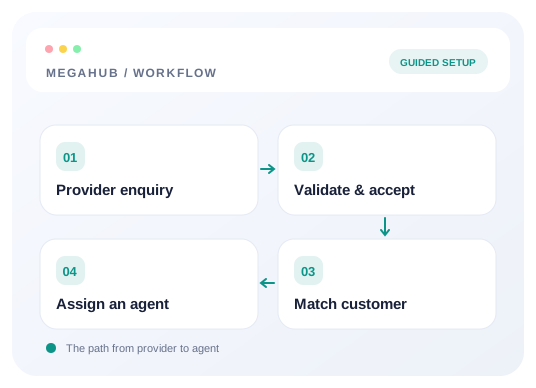
Leads
Connect providers, verify incoming data, and route each lead to the team that can work it.
5 detailed guides · Checklist · Troubleshooting
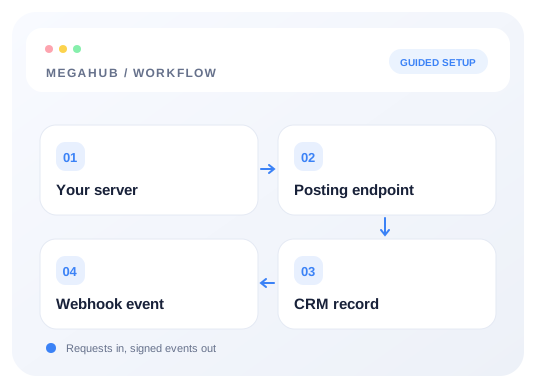
Integrations and API
Use posting keys, test endpoints, and signed webhooks to connect the CRM with your own systems.
3 detailed guides · Checklist · Troubleshooting
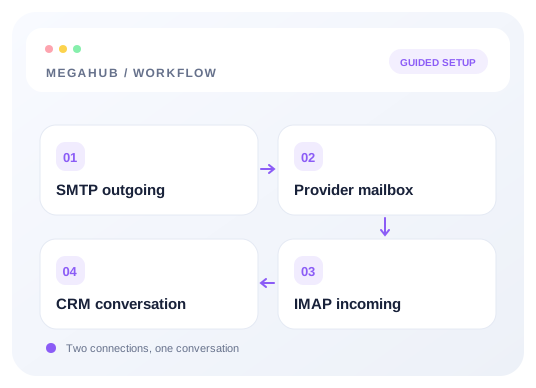
Email and messaging
Connect your inbox, choose the right provider template, and verify both sides of the conversation.
5 detailed guides · Checklist · Troubleshooting
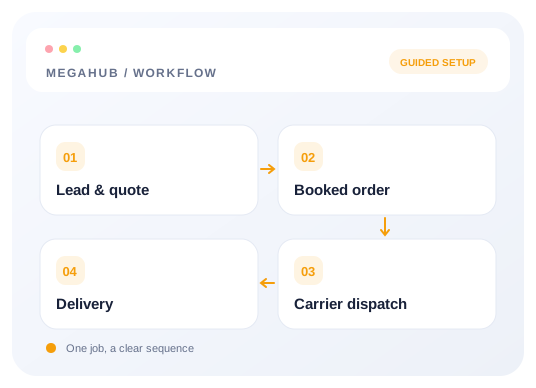
Day to day
Understand the records, decisions, and documents that carry a transport job through your brokerage.
5 detailed guides · Checklist · Troubleshooting
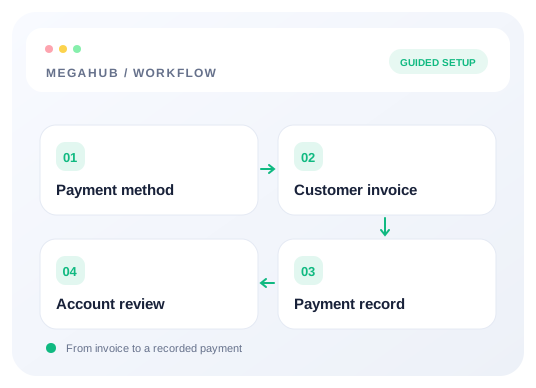
Payments and billing
Configure payment methods, prepare invoices, and understand the difference between customer payments and your CRM subscription.
4 detailed guides · Checklist · Troubleshooting
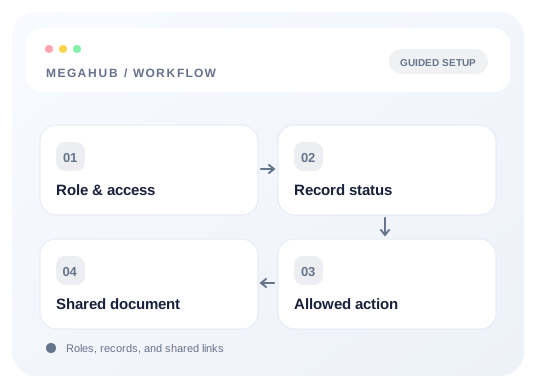
Reference
Look up permissions, record statuses, and public customer or carrier links when you need an exact answer.
3 detailed guides · Checklist · Troubleshooting
Common questions
Does connecting my inbox automatically create leads from emails?
Inbox setup connects outgoing and incoming mail. Provider lead intake is a separate integration using a source’s posting URL and key. To land a provider enquiry as a lead, follow the provider setup guide and verify its live acknowledgement.
Read the full guide →Do I need to configure IMAP as well as SMTP?
Yes for a complete third-party inbox setup. Choose a provider preset to fill both sets of server settings, then enter your credentials once with reuse enabled. Save and test sending and receiving separately.
Read the full guide →I lost a posting key. Can you send it to me again?
No, and nobody can — MegaHub stores a hash of the key rather than the key itself, so it cannot be read back out by support, an owner, or anyone with database access. Rotate it under Settings → Lead sources and send the vendor the new one. Arrange the swap with them first: the old key stops working the moment the new one is issued.
Read the full guide →A vendor is getting 401 from the lead endpoint. Which key is wrong?
The response will not tell you, on purpose — an unknown tenant key and a wrong posting key return the identical 401 so the endpoint cannot be used to discover which keys are live. Check three things: the tenant key in the URL, the posting key in the X-Api-Key header, and whether that lead source is still switched on.
Read the full guide →Leads are arriving but the route is blank. What is wrong?
Almost always a field name mismatch — the provider is sending something like zipcode where MegaHub reads origin_zip. The post succeeds because unrecognised fields are ignored rather than rejected, so nobody notices until an agent opens the lead. Run the same payload against the test endpoint, which lists exactly which fields were ignored.
Read the full guide →My inbox connection test times out. What should I check?
Check the server, port and security mode in Advanced server settings. SMTP presets use implicit TLS on 465, while iCloud uses STARTTLS on 587. IMAP presets use TLS on 993. Save your correction, then run the SMTP and IMAP tests separately. Saving alone does not verify the connection.
Read the full guide →Why do my quotes go to spam?
Usually one of two things. Either your domain is missing SPF, DKIM or DMARC records, or the From address is on a different domain from the mailbox you connected — a mismatch that receiving servers treat as a forgery. Both are fixed outside MegaHub, in your DNS and your mail provider.
Read the full guide →Can I send a quote from an agent's own address?
Yes. Connect that agent’s mailbox under Inbox → Mailboxes and configure SMTP and IMAP. Each agent uses their own saved credentials, and the sending test confirms which address the message leaves from. A matching domain alone does not configure an agent’s mailbox.
Read the full guide →An agent has left. What do I do with their leads?
Suspend the user rather than deleting them, then have a manager or admin reassign their open work. Suspending locks them out immediately, including any session already open, while leaving their history attached to a real name. Suspended users are not counted in your bill.
Read the full guide →Does the CSV export only include what is on screen?
No — it exports every record you are allowed to see, ignoring the filters and column searches on the page. A spreadsheet exists to do the analysis the table cannot, and an export shaped by whatever chips happened to be set is a report that silently omits rows.
Read the full guide →A customer asked for the same move on two different dates.
Duplicate the quote rather than raising a second lead. The copy asks for the new ship date and stays on the same lead, so the customer's enquiry remains one record with two offers against it. The original is untouched.
Read the full guide →Can I add a vehicle to a quote I already built?
Yes. Adding a vehicle adds it to that quote and re-totals the header — you do not need to re-quote the lead. The per-vehicle prices and the header totals are the same figures read two ways, so editing either keeps both correct.
Read the full guide →My webhook signature never matches.
You are almost certainly signing the re-serialised body rather than the raw one. Parsing and re-encoding JSON changes key order and whitespace, so the bytes differ from what was signed. Capture the body exactly as it arrived, before any parser touches it, and HMAC over the timestamp, a full stop, then those raw bytes.
Read the full guide →How many leads can a vendor post at once?
One per request, until you enable batch posting for that specific key and set a limit. The hard ceiling is 200 per request, and you can also cap a vendor by the hour. Both are set per posting key, so a new vendor cannot flood the board before you have seen what they send.
Read the full guide →Why is the Add CC button telling me card capture is not available?
Because the processor's own card form is not connected yet. The storage behind it is finished and encrypted, and nothing you have configured under Payments is wasted — this is the last piece. Take the payment through your processor's portal in the meantime.
Read the full guide →A team lead cannot see the payment method they need. Why?
Each method has its own Available to team leads switch, and it is off until an admin turns it on. Admins can always use every enabled method, which is why it looks fine from an admin account. Turn it on under Settings → System settings → Payments.
Read the full guide →Can I split an order after I have dispatched it?
No. A dispatch sheet describes a specific set of vehicles, and taking some away would leave a driver holding paper for a load that no longer exists in that shape. Split the order first, then dispatch each part to its own carrier.
Read the full guide →I moved an order to Posted but nothing appeared on the board.
The board refused it, and MegaHub left the order unlisted rather than pretending it had gone up. Use Post to board on the order — it repeats the board's own reason, which is usually something like a ready date in the past or a missing ZIP. Pressing it on an order that is already listed is safe and will not create a duplicate advert.
Read the full guide →Does suspending a user reduce my bill straight away?
Yes. Suspended users are not billed, and the change takes effect immediately. Invited users who have not signed in yet are billed, because the seat is claimed the moment the invitation goes out.
Read the full guide →Why can my manager only see their own team's leads?
That is the default, and it is the point of having teams. If a manager genuinely needs brokerage-wide sight, grant them leads.view_all — the permission matrix is editable under Settings → Roles, so it is a settings change rather than a support ticket.
Read the full guide →Will a card saved on a customer still work if I change processors?
No. A token is issued by the gateway that created it and cannot be charged anywhere else, so saved cards stop being chargeable and have to be re-entered. Some processors will migrate tokens for you — ask them before you switch, not after.
Read the full guide →Need help with your setup? Contact support with the step you reached and the error you received.