
THE DETAILS, IN ONE PLACE
The links you send customers and carriers
Every page MegaHub sends out by link rather than login, and what each one shows.
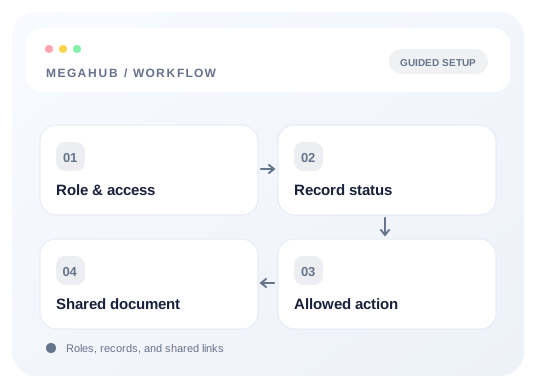
Customers and carriers never get an account. Everything they need arrives as a link carrying a long random token, which is both the address and the credential — there is nothing to remember and nothing to reset.
| Link | Who receives it | What they can do |
|---|---|---|
| Quote | The customer | Read the quote, accept it, or book it — which raises the order without anybody rekeying it. |
| Agreement | The customer | Download the transport agreement as a PDF. |
| Signature request | The customer | Read the document, sign it, or decline with a reason. |
| Tracking | The customer | Follow their vehicle from pickup to delivery. |
| Invoice | The customer | See what is owed and how to pay it. |
| Dispatch sheet | The carrier | Read the sheet, accept or decline the load, and check in at pickup. |
| Posted load | Carriers on a board | See the load and make an offer on it. |
What these pages deliberately do not show
The tracking page shows the customer their own vehicle and nothing about what the job is worth to you. Carrier pay and broker fee never appear on a customer-facing page, and the customer's price never appears on the carrier's sheet. Each side sees the half of the deal that is theirs.
Unsubscribe links
Product announcements from MegaHub carry an unsubscribe link at the foot. It opts that one person out of promotional mail only — service messages about your account still arrive, because telling somebody their platform is down is not marketing and should not be declinable.
Read next
Check your progress
Review your setup
Use this checklist while following the guide. Your selections are for this reading session and do not change CRM settings.
0 of 5 complete