
MAKE THE NUMBERS CLEAR
Setting up your payment methods
Which processors MegaHub supports, how to configure one, and how to decide who may use it.
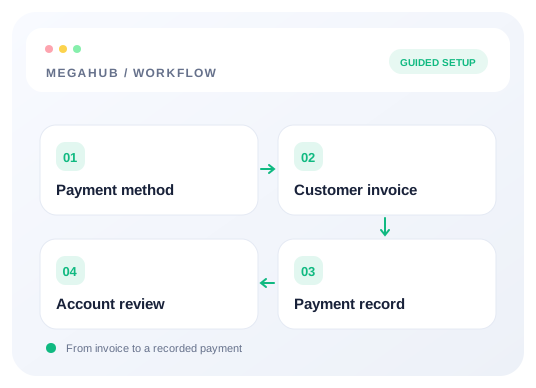
Payment methods live under Settings → System settings → Payments, and only owners and admins can open that tab. You configure what exists; your team chooses from what you make available to them.
What is supported
| Method | Arrangement | What you will need |
|---|---|---|
| Authorize.net | Direct, or through a Nexio MID | API Login ID and Transaction Key. The Nexio MID only if you are routed through them. |
| NMI | Netevia or Goat Payments | The API security key for that merchant account. Merchant ID is optional. |
| Whop | Hosted checkout | API key, and the plan or product ID the checkout opens against. |
| Stripe | Cards, wallets and ACH | Secret key (sk_live_) and publishable key (pk_). Webhook signing secret is optional until you point webhooks here. |
| Zelle | Customer pays in their bank app, you mark it paid | No keys — just the email or phone number enrolled with Zelle, and what the customer should put in the memo. |
This is a fixed list rather than an open one. Each of these needs its own credentials and its own charging code behind it, so an open-ended list would only defer the moment somebody configures something that nothing can actually charge against.
Turning one on and off
Each method is a switch. Turning one on asks for its configuration; turning it off stops anyone selecting it, but keeps everything you entered. Switching a processor back on is one click, not an afternoon of finding the keys again — which is the whole point, because the usual reason to switch one off is that you are trialling another.
Secret fields — transaction keys, security keys, Stripe secret keys — are encrypted before they are stored and are never shown back to you, in the same way a password is not. You can replace one at any time. Non-secret fields like a publishable key or a merchant ID stay visible, because you will want to check them against your processor's dashboard.
Deciding who may use which
Every method carries its own Available to team leads switch, off until you turn it on. Admins can always use every enabled method. That is how you keep a house account, a dealer-only merchant, or a processor you are still testing off the list an agent sees when they raise an invoice.
Withholding a method is enforced, not just hidden. An invoice raised against a method that is not available to the person raising it is refused outright, so the rule holds even for someone working around the screen.
Read next
- Raising and sending an invoiceInvoicing an order, choosing which account it settles into, and invoicing on an agent's behalf.
- Cards on file, and how card data is handledWhat MegaHub stores when you save a customer's card, and what it deliberately never sees.
- Every permission, and who has itThe complete list of 52 permissions, the seven roles, and what leading a team adds on top.
Check your progress
Review your setup
Use this checklist while following the guide. Your selections are for this reading session and do not change CRM settings.
0 of 5 complete
Continue exploring payments and billing
Raising and sending an invoice
Invoicing an order, choosing which account it settles into, and invoicing on an agent's behalf.
6 min read →
Cards on file, and how card data is handled
What MegaHub stores when you save a customer's card, and what it deliberately never sees.
5 min read →
How your MegaHub bill is worked out
What counts as a seat, what does not, and what happens when somebody leaves.
4 min read →